

London E1 1EW

Call
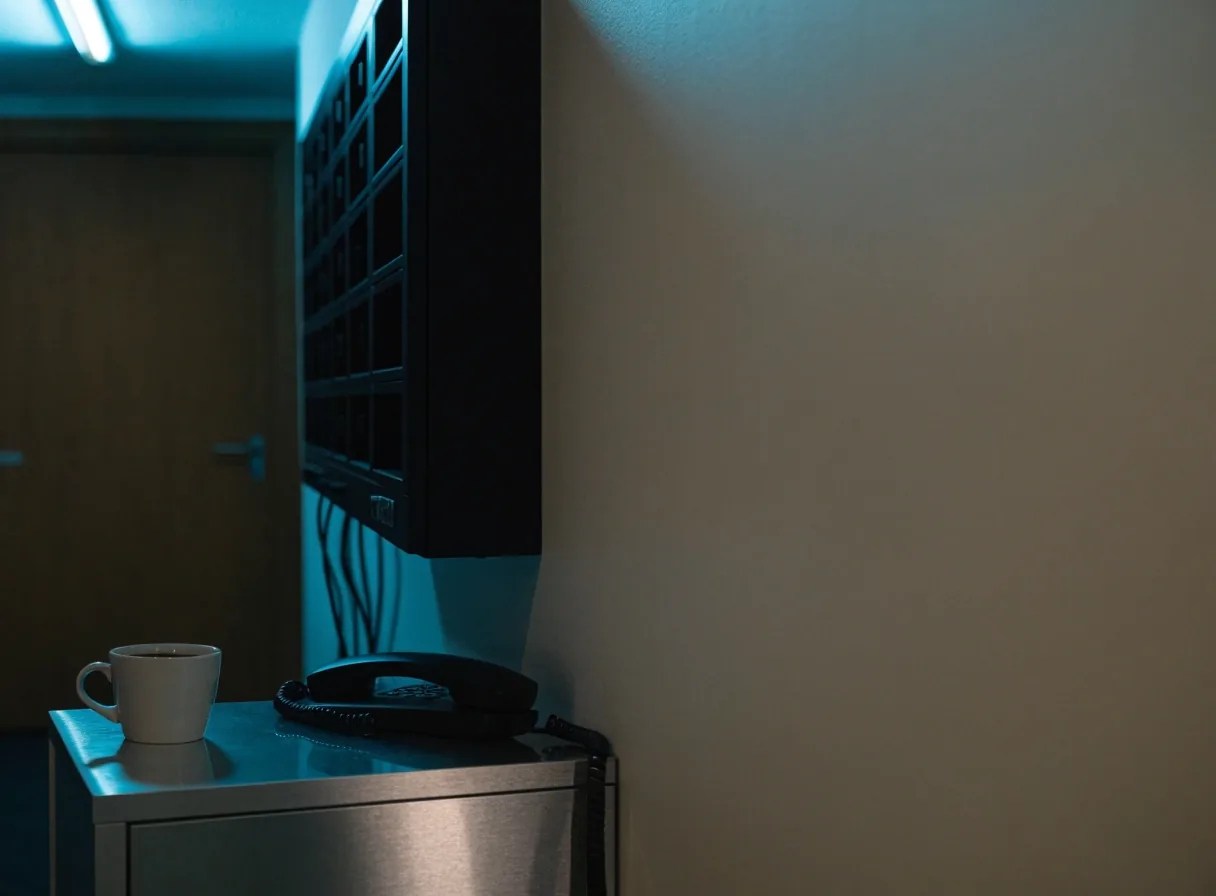
A comms room rack wall at night, lit by cold overhead light, with one yellow LED strip along the lower seam

Silverdale Innovations Ltd

Your IT department, without the payroll.

Managed IT and computer support for London businesses — helpdesk cover, Microsoft 365 administration, endpoint management and cyber security under one service agreement.

Co-managed IT · London & the wider UK

Managed IT support

Managed IT support for London businesses

Most UK companies between five and two hundred staff reach the same point: the person who used to fix the laptops is now too busy, and hiring a full internal IT team costs more than the business is ready for. Silverdale Innovations Ltd sits in that gap. We act as a co-managed IT department for organisations across London and the wider UK, covering helpdesk, Microsoft 365 administration, endpoint management, cyber security and disaster recovery planning under one service agreement. You keep the decisions that matter — we take the tickets, the patching, the backups and the 7am phone call when the email server will not start.

Helpdesk cover

Support your staff will actually use

A phone line, an email address and a ticket portal — one queue, one response clock. On-site visits for London hardware work are scheduled inside the same agreement rather than sold as an extra.

Remote sessions handle most issues; endpoint management runs in the background so patches, antivirus definitions and disk encryption status are visible to us before they become a user's problem. Staff get answers in plain English, not error codes.

See service options
Microsoft 365

Administered properly, reviewed every month

A large share of support tickets in UK businesses trace back to Microsoft 365 being set up once, years ago, and never reviewed. Licences drift out of alignment with headcount. Shared mailboxes multiply. Conditional access is either absent or so strict nobody can work from a hotel.

We audit the tenant, tidy the licence mix so you are not paying for features nobody uses, and set up the basics that matter: multi-factor authentication, sensible retention, and a documented structure for Teams and SharePoint that new starters can navigate. Administration continues month to month, including joiners, leavers and the mailbox handover that always seems to fall on a Friday afternoon.

Cyber security

A routine, not a scare project

Security guidance in this sector often arrives as a scare document. Ours is more mundane and more useful.

We work through the practical controls UK insurers and clients now ask about: email filtering, endpoint protection with real alerting, backup that is tested rather than assumed, and staff awareness that goes beyond an annual slideshow. We also help with the paperwork side, because a growing number of contracts require evidence of how you protect data.

Where a business has a specific regulatory obligation, we map our controls to it and tell you plainly which gaps remain. No security provider can promise you will never be breached, and any that does should be treated with suspicion. What we can do is make sure the obvious doors are locked — and that you would know quickly if someone tried the handle.

Co-managed IT, defined

What a co-managed IT department actually means

The phrase gets used loosely in this market, so it is worth being precise. Co-managed IT means your business retains control of strategy, budget and any internal IT staff you already have, while Silverdale Innovations Ltd handles the day-to-day operational load.

It is not a handover of your systems to a stranger. It is a second team that plugs into yours, with named contacts on our side and clear boundaries on what we own and what you own. For a firm with one internal IT person, that typically means their week shifts from password resets and printer queues to projects and supplier management.

The model suits companies that have outgrown break-fix support but are not ready for a full outsourced IT department — the monitoring, maintenance, user support, licensing and security administration move to us, and the strategy conversations stay in the room with you.

How we work

Remote monitoring

The quiet work that never becomes a ticket

Most of what we do never generates a phone call. Remote monitoring agents report on disk health, backup completion, patch status and suspicious login attempts across your estate — before your office manager notices anything at all.

  • Disk health on the estate

    When a drive starts throwing errors at 2am, the alert is waiting for an engineer at 8am — not for your office manager at 9am on a Monday.

    Overnight
  • Backup completion, verified

    Backup that has never been restored from is not a backup, it is a hope. We watch for a job that stops completing and review it the next morning.

    Every night
  • Suspicious login attempts

    Sign-ins from unexpected locations or devices are flagged and reviewed, so an account that leaks does not quietly sit open for a fortnight.

    Continuous
  • Patch and update status

    Operating system, browser and third-party patches land on schedule and are reported back to you monthly, not held quietly until something breaks.

    Monthly
  • Departed accounts

    A leaver's account that was never disabled is one of the ordinary failures a managed agreement is designed to catch before it becomes a story.

    On leaver

This is the least visible and most valuable part of managed IT, and it is where the difference between a reactive provider and a managed one becomes measurable: one waits for the failure, the other tracks the trend that precedes it. We report on it monthly so you can see the pattern rather than take our word for it.

A small office desk at dusk with a laptop, monitor and one small yellow status light

What it costs to get this wrong

Unplanned downtime rarely shows up in the IT budget

Staff on full salary, sitting idle. A deadline missed. A client who starts asking quiet questions about your resilience. These are not exotic failures — they are the ordinary ones a managed service agreement is designed to catch.

Businesses that move to managed support usually find the cost is roughly what they were already spending on ad-hoc repairs, just moved from unpredictable to fixed.

Request an IT review

Support hours and escalation

Support hours and out-of-hours cover

Standard helpdesk hours run through the UK working day, with critical incident cover outside them on a defined basis. This is a deliberate choice rather than a limitation: staffing a full overnight desk for every client would push the price up without adding value to a business that shuts at 6pm.

Tier 1

First line

Password resets, printer queues, Microsoft 365 queries. Answered in plain English during the working day.

Tier 2

Engineer

Line-of-business applications, mail flow problems, deeper endpoint work covering the estate rather than the user.

Tier 3

Specialist

Security incidents, virtualisation or data-recovery cases. Where we do not hold the skill in house, we say so and coordinate the third party.

Critical

Out-of-hours

A dead phone system at 7am on a trading day cannot wait. A failed backup job usually can. We agree which is which, in writing, before we take over support.

Disaster recovery planning sized to the business

A tested recovery plan is the part of IT that nobody wants to fund until the day they need it. We build plans sized to the business rather than the brochure: what gets restored first, how long that realistically takes, and who makes the call to declare an incident.

For a ten-person consultancy, recovery might mean a cloud-hosted file store and a documented process for reissuing credentials. For a fifty-person firm with a line-of-business application, it means a rehearsed sequence and an agreed tolerance for data loss. We test the plan with you, record what broke, and fix the plan. A disaster recovery document that has never been exercised is a liability in a meeting with your insurer.

For organisations that genuinely operate around the clock, out-of-hours arrangements are scoped and priced separately, with clear definitions of what counts as critical. Getting that boundary agreed in writing, in advance, is part of how we set up every contract.

Who we work with

Professional services, charities and technology firms around London

Our clients are professional services firms, small manufacturers, charities and technology companies clustered around Whitechapel, the City and the wider M25 corridor.

The common thread is not sector — it is a business that depends on email, files and a line-of-business application being available during working hours. Some have one internal IT administrator. Some have none. A few have a finance director who inherited the IT responsibility along with everything else.

We are set up to work with all three, and we will tell you during the first conversation which model fits. If your needs are better served by a different arrangement, we would rather say so early than sell you a contract that does not fit.

Questions we get asked

Before you decide

The five questions a business owner usually asks on the first call, answered without the sales language.

What is the difference between break-fix IT support and managed services?

Break-fix means you call someone when something breaks and pay for the repair. Managed services means you pay a monthly fee for ongoing monitoring, maintenance, support and planning, so problems are caught earlier. The break-fix model works for very small businesses with simple setups; managed support tends to make more sense once downtime has a real cost.

How much IT support should a small UK business outsource?

There is no universal answer, but a useful rule is to outsource the work that is routine and repeatable, and keep the work that needs context only you have. Patching, monitoring, backups and user support are good candidates. Decisions about software strategy or budget usually stay with you, even under a full managed agreement.

Is co-managed IT better than full outsourcing?

It depends on whether you have internal IT capacity worth keeping. If you have one or two IT staff who are stretched but knowledgeable, co-managed usually delivers more value. If you have no internal capability and no plans to build any, a fully outsourced model is simpler.

What does 24/7 support actually cover in practice?

Usually it covers critical incidents only: outages, security events, or failures that stop the business trading. Routine requests wait for business hours. Any provider offering genuine round-the-clock staffing for every ticket should be able to explain how that is resourced, because it is expensive to do properly.

How important are cyber security and disaster recovery in a support contract?

Both have moved from optional extras to standard expectations, partly because insurers and larger clients now ask for evidence of them. A support contract that covers neither leaves you managing two separate problems. Most businesses are better served by a single provider accountable for both.

Getting started

The first step is a conversation, not a contract

We ask about your current setup, your pain points and your growth plans, then review what we can see: your Microsoft 365 tenant, your endpoint estate, your backup arrangements and any documentation that exists.

From there we produce a written summary of what we found and what we would recommend, including the parts you could handle yourself. If you decide to proceed, onboarding typically takes two to four weeks depending on estate size, with the service level agreement signed before we take over support. If you decide not to proceed, you keep the findings.